


Send documents for signature inside the deal
Wealtor has its own e-signing built in, so you send documents for signature from inside a transaction without a separate tool. Signatures are stored right with the deal.
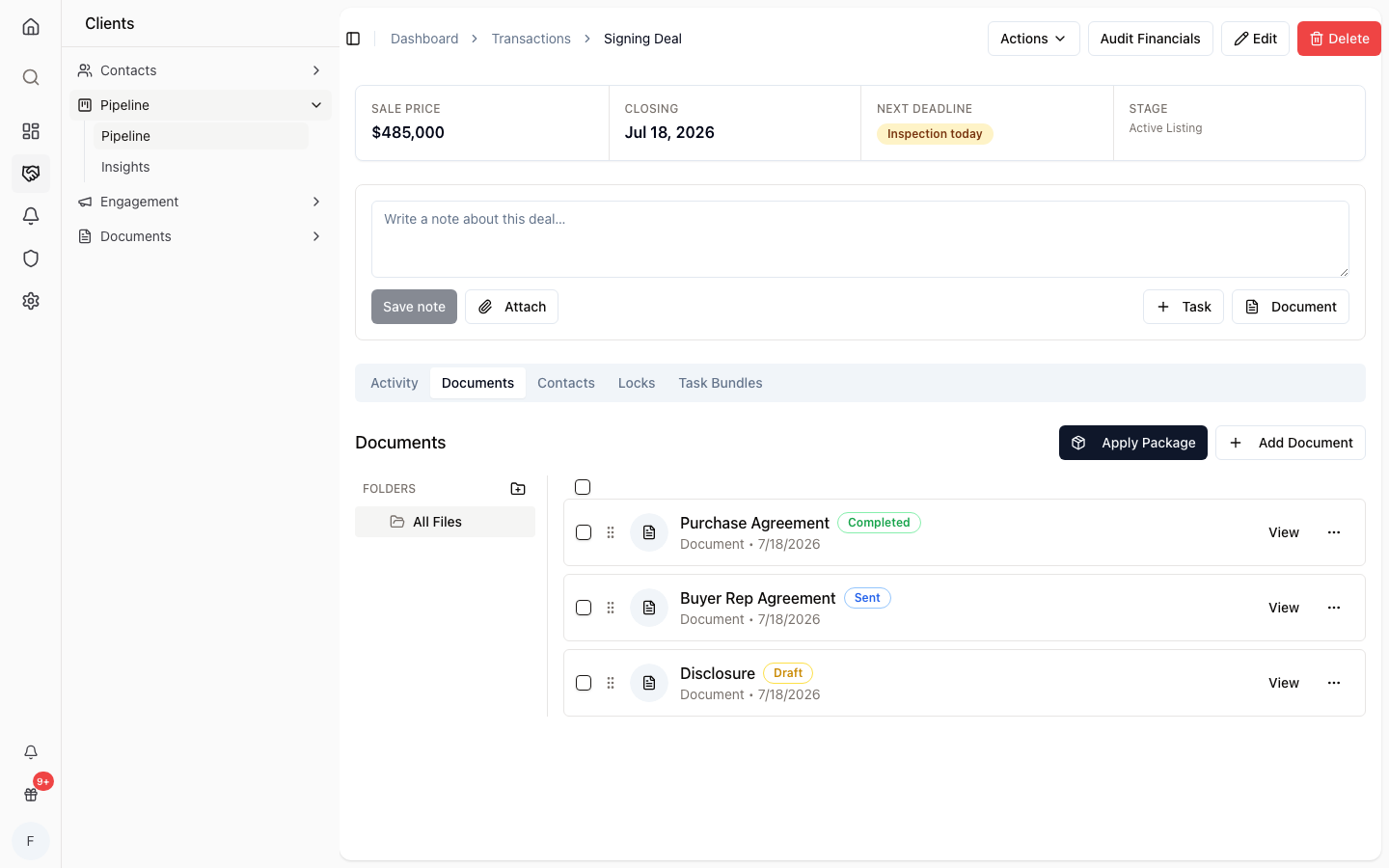
Send from the transaction
Pick a document inside a deal and send it out for signature without leaving Wealtor.
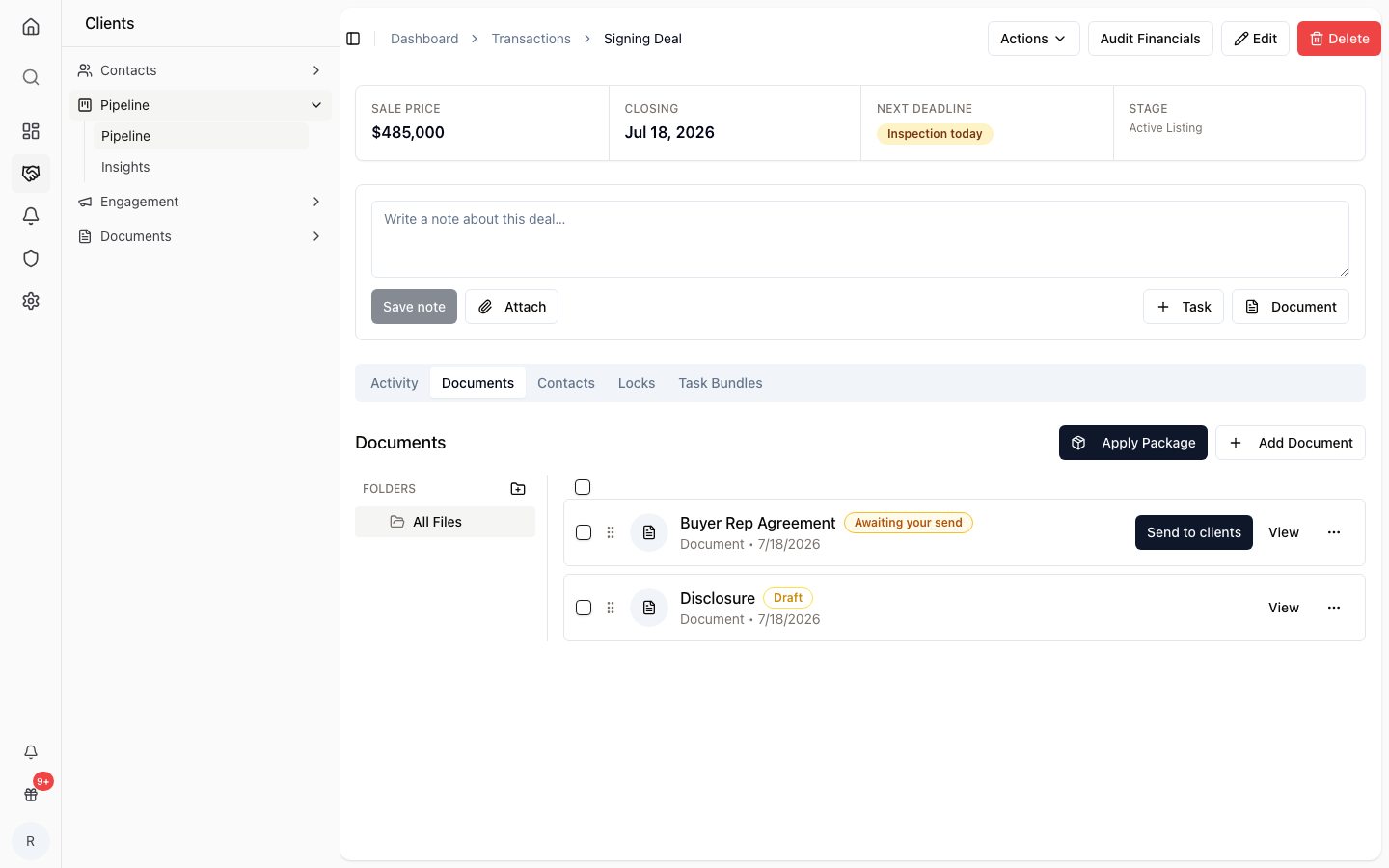
Track every recipient
See who has signed, who's still pending, and who declined for each document.
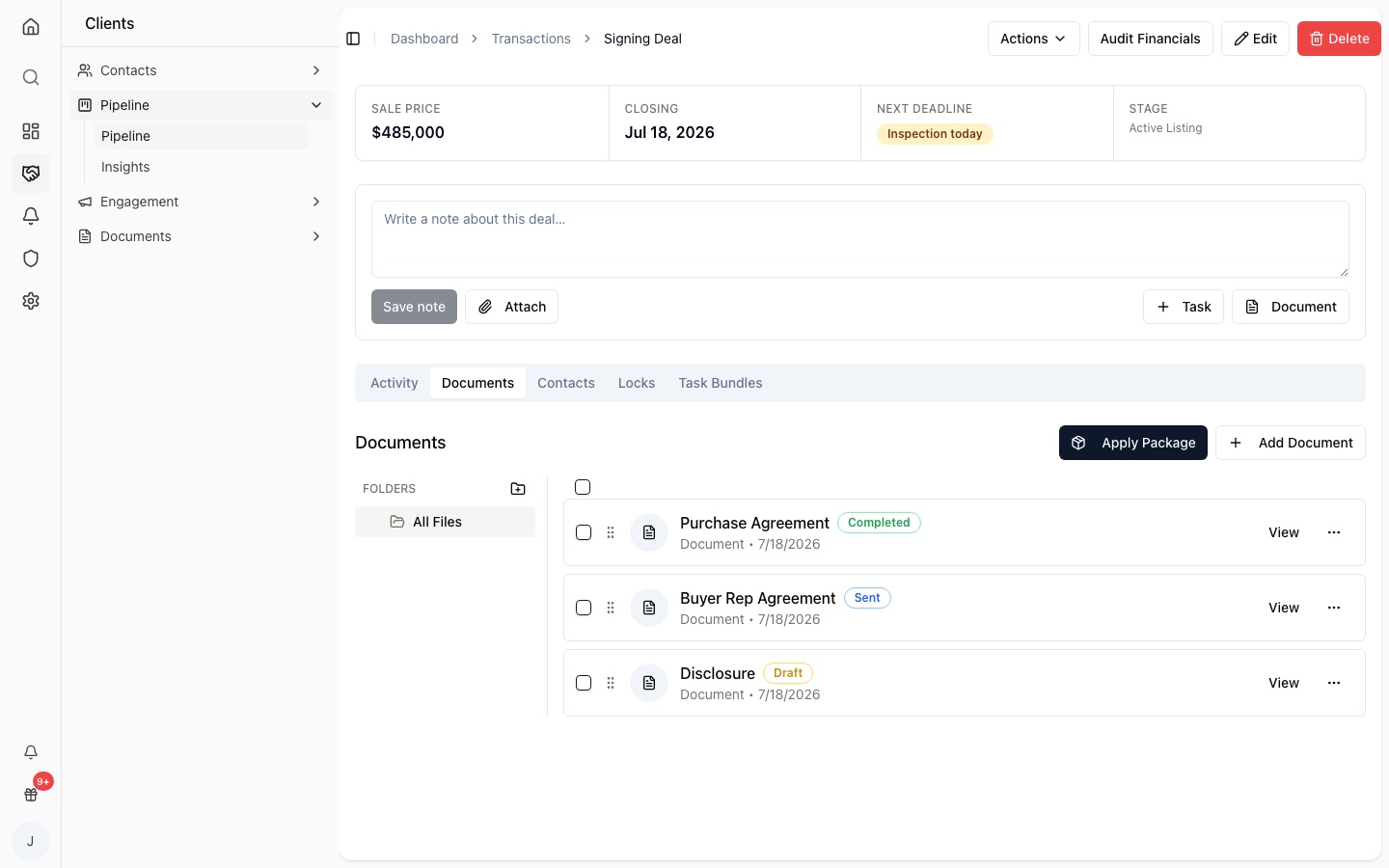
Stored with the deal
Completed signatures stay attached to the transaction, so the paperwork lives where the deal does.
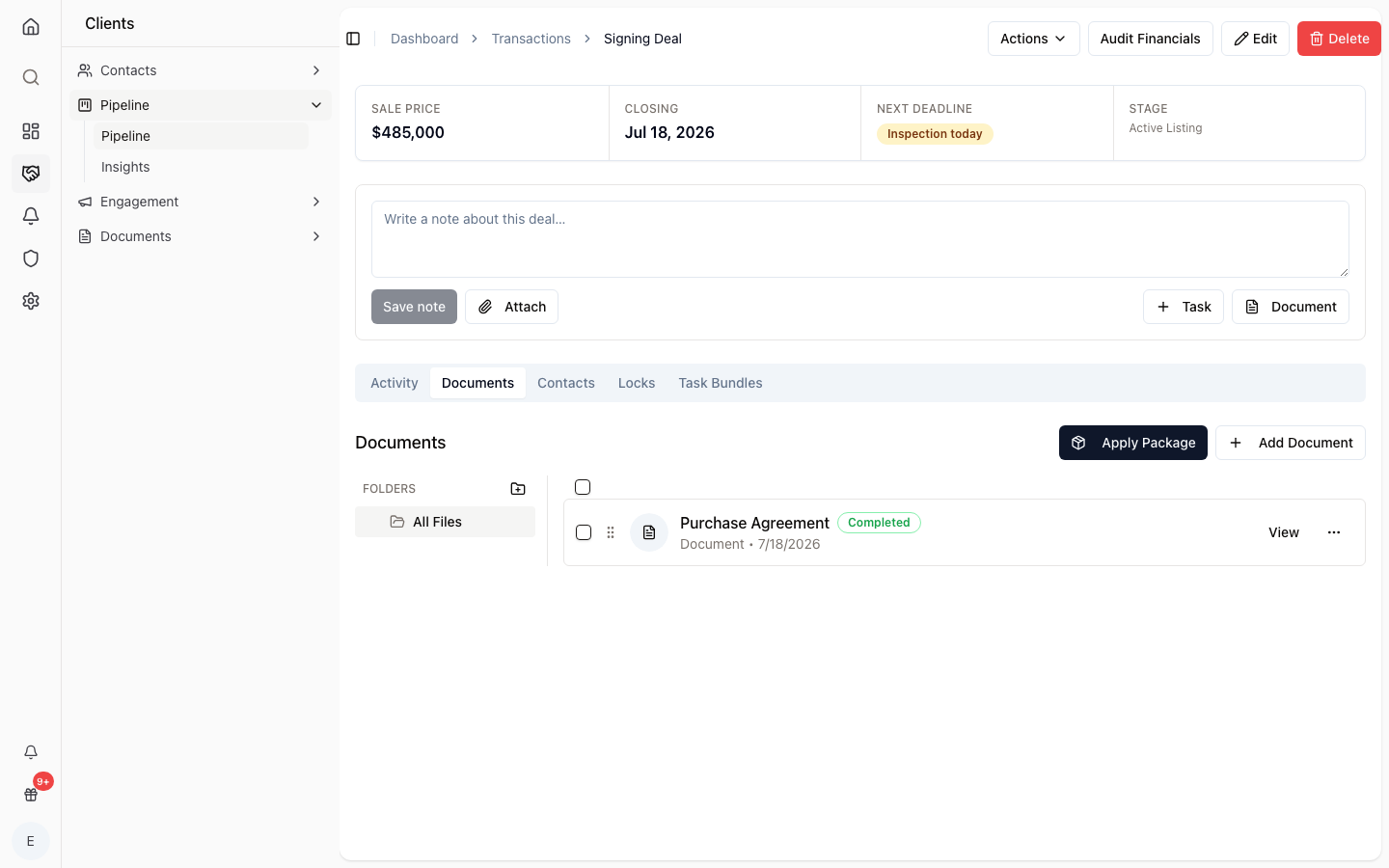
How it works
Choose the document
Open the transaction and pick the document to send.
Add recipients
Send it out for signature to the people who need to sign.
Track to done
Watch signed, pending, and declined status until it's complete.
No separate tool
Signing is built into Wealtor, not a bolt-on service.
Inside the deal
Send documents without leaving the transaction.
Clear status
See signed, pending, and declined at a glance.
Paperwork stays put
Signatures are stored with the deal they belong to.
Recipient tracking
Know exactly who still needs to sign.
One less login
Handle signatures in the same place you manage the deal.
Common questions
- Does Wealtor use DocuSign?
- No. E-signing is built in-house inside Wealtor rather than routed through DocuSign or another third-party service.
- Is e-signing legally binding?
- Electronic signatures are widely accepted for real estate documents. Wealtor tracks each recipient's signed, pending, or declined status and stores the completed signature with the deal, but you should confirm the requirements for your jurisdiction and transaction type.
- Where do signed documents go?
- Signatures are stored with the deal, so completed documents stay attached to the transaction they belong to.