


Build a seller net sheet in minutes
Enter the sale price and costs, and Wealtor calculates estimated seller proceeds you can walk through at the listing appointment. Export it to PDF to leave behind.
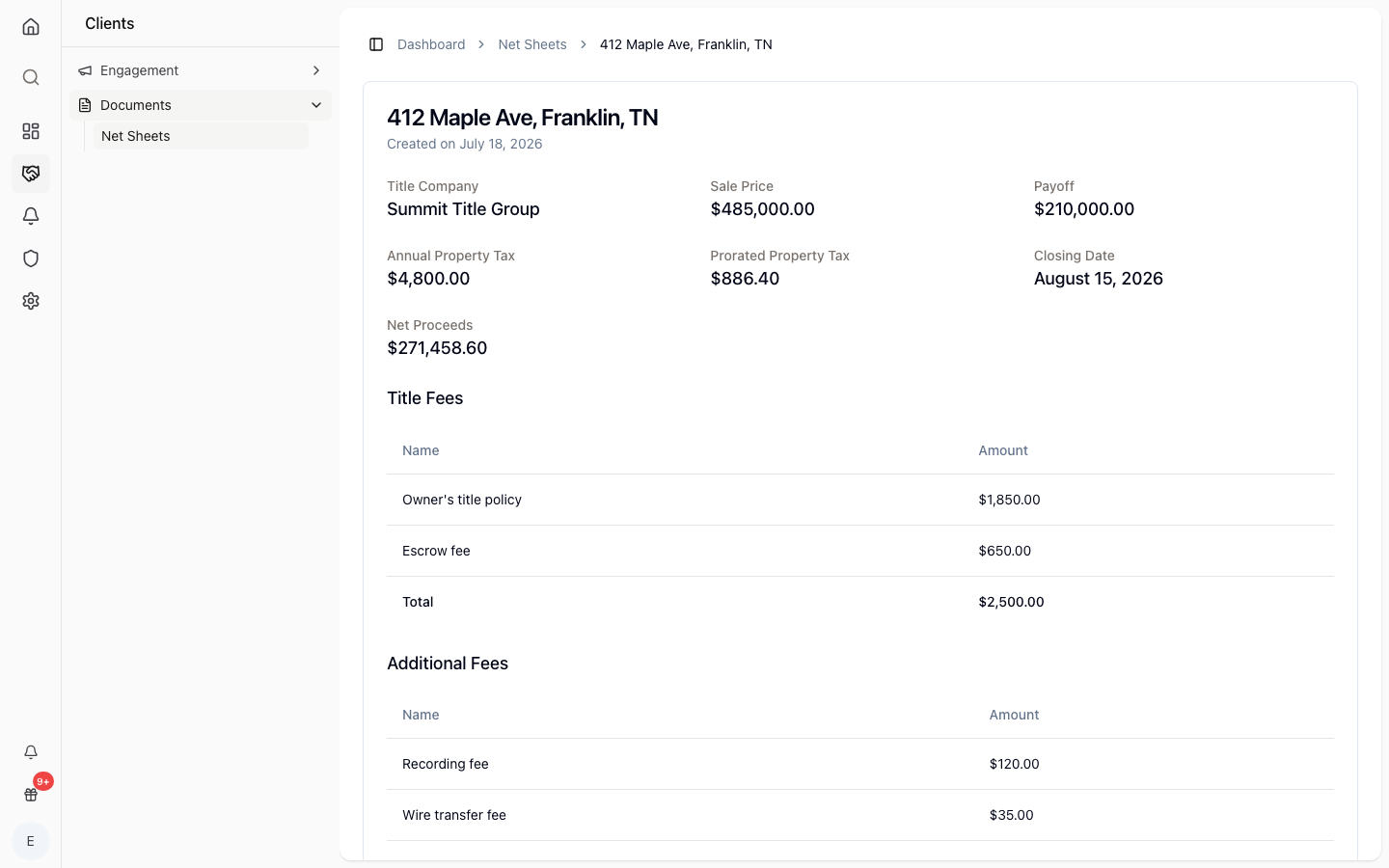
Enter price and costs
Add the sale price, commissions, title, taxes, and payoff, and Wealtor works out the estimated proceeds.
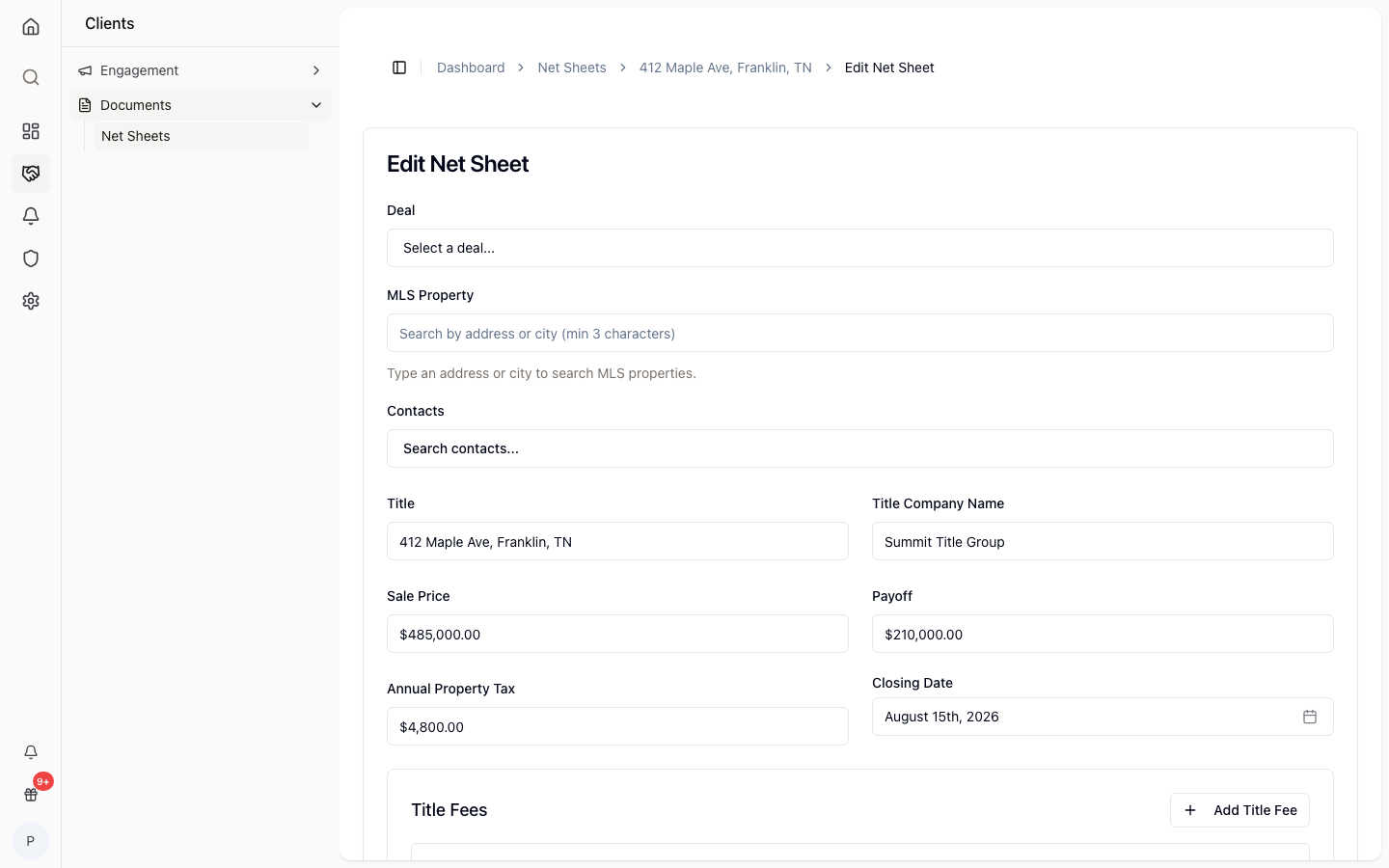
Estimated seller proceeds
See the bottom-line number the seller walks away with, updated as you adjust the figures.
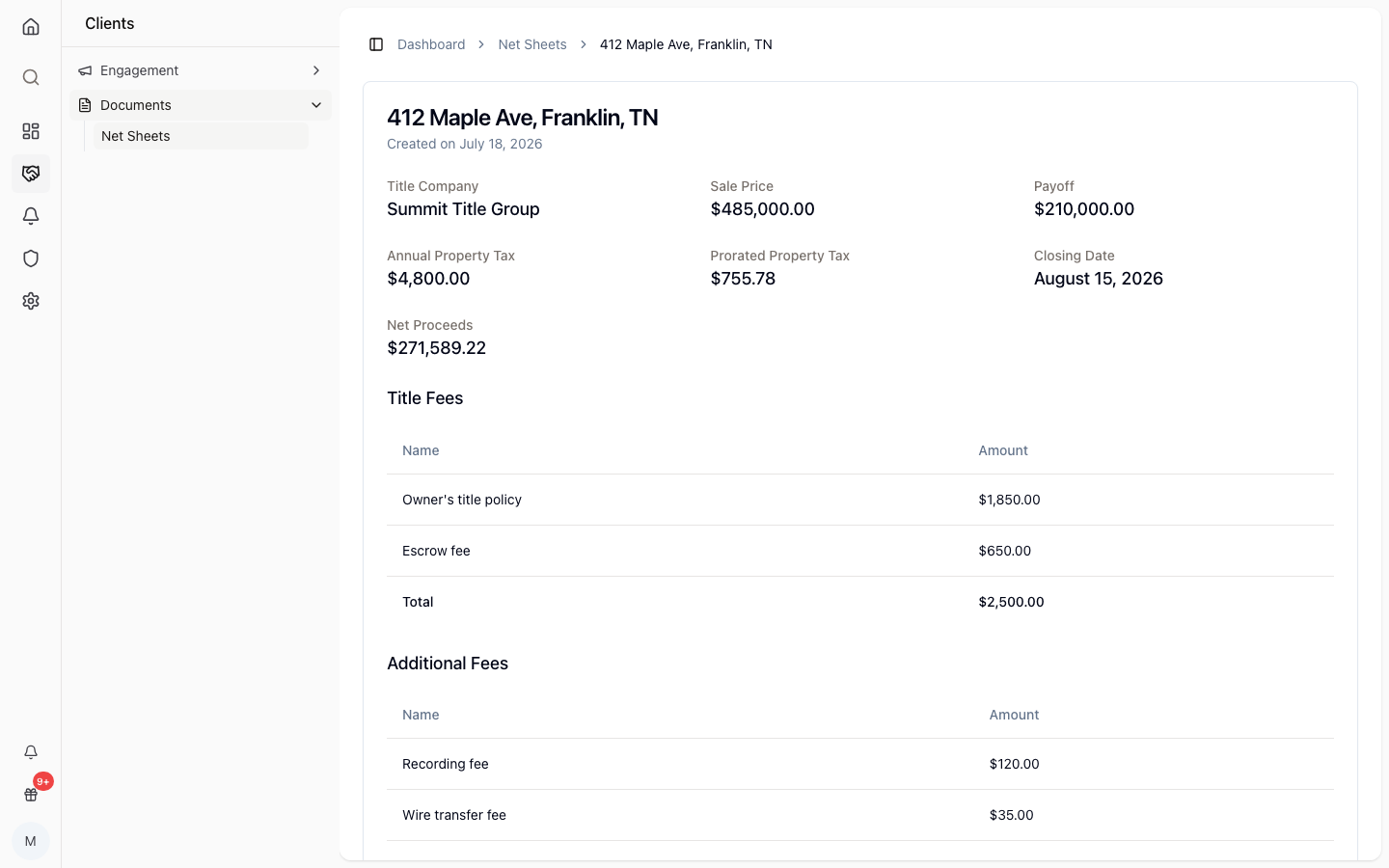
Export to PDF
Turn the net sheet into a clean PDF to hand the seller or email after the appointment.
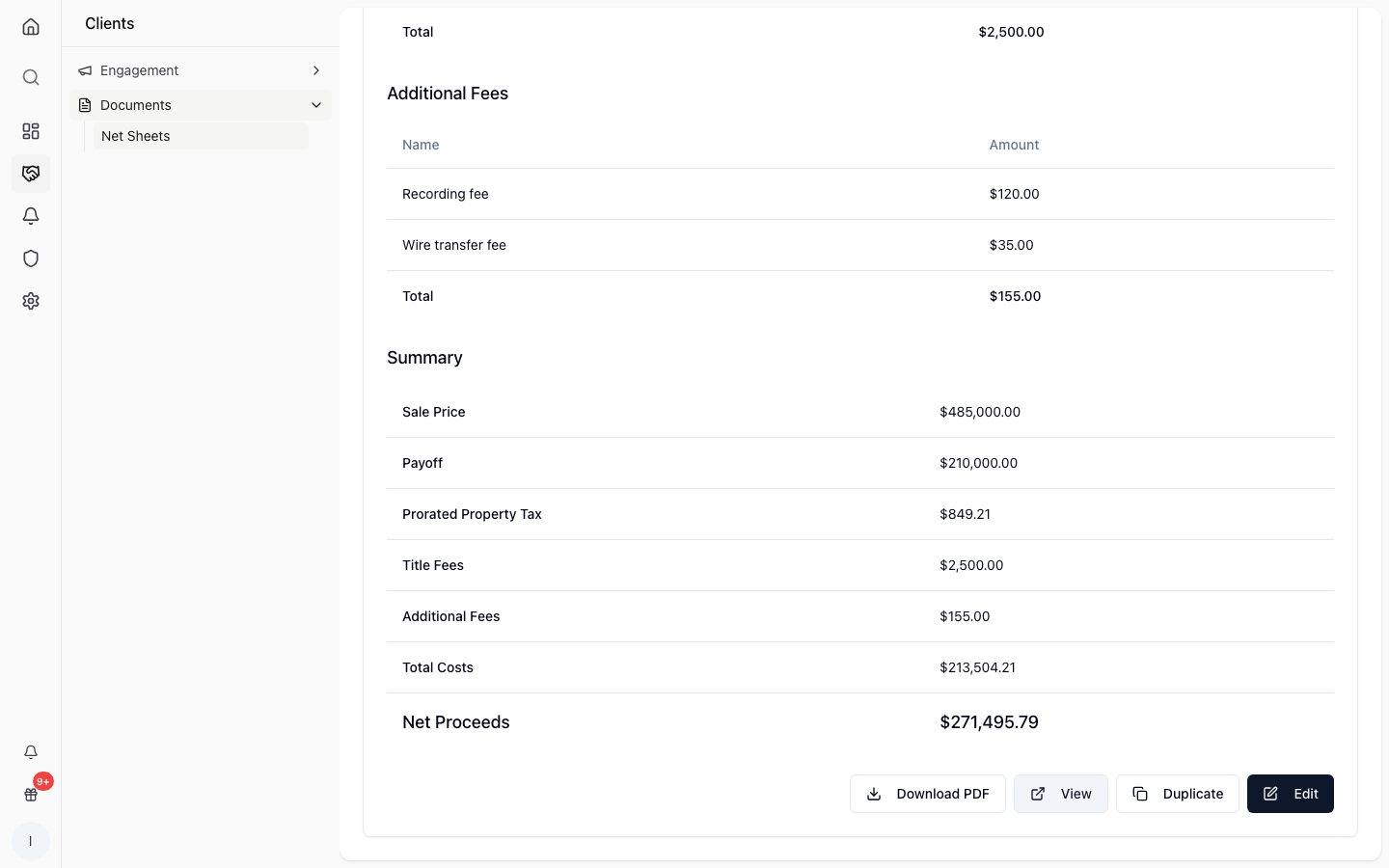
How it works
Enter the sale price
Start a net sheet for the deal and add the expected sale price.
Add the costs
Fill in commissions, title, taxes, and payoff for the property.
Share the proceeds
Review the estimated proceeds and export the sheet to PDF.
Answer the big question
Show sellers what they walk away with before they list.
Editable and reusable
Adjust the figures and reuse the sheet as the deal changes.
Per-deal sheets
Each net sheet lives with its own transaction.
PDF to leave behind
Export a clean copy to hand over or email.
Ready at the table
Build it live during the listing appointment.
Clear cost breakdown
Commissions, title, taxes, and payoff all in one view.
Common questions
- Can I reuse a net sheet?
- Yes. Net sheets are per-deal and editable, so you can adjust the numbers and reuse the sheet as the transaction moves along.
- Can I give the seller a copy?
- You can export the net sheet to PDF to hand over at the listing appointment or email afterward.
- What costs can I include?
- You can enter the sale price along with commissions, title, taxes, and payoff, and Wealtor estimates the seller's proceeds from those figures.